We’re happy to announce the release of Coda to 2.6, which fixes a few bugs…
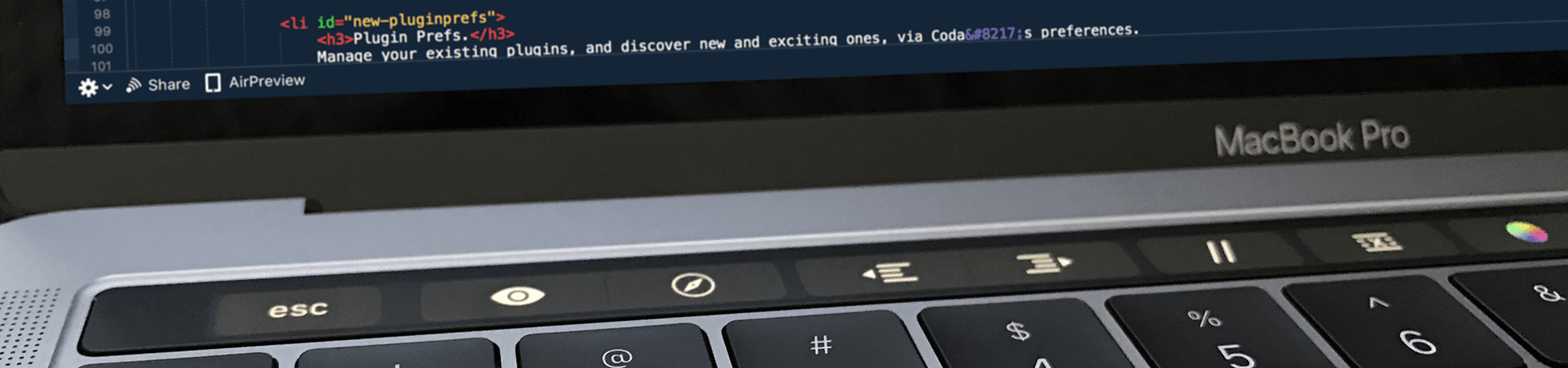
…and adds support for the swanky Touch Bar in the new MacBook Pro!
Coda’s Touch Bar support focused on the Editor/Preview, Files, and Sites views. Here are a few things you can do super easily on the Touch Bar, without having to take your fingers off the keyboard or move a pointer:
- Instantly switch between Editor and Preview
- Indent/outdent/comment lines
- Jump to a line
- Insert hex colors using a color picker (on the bar!)
- Create sites
- Switch between file browser views
- Create new files and folders
- Open the Web Inspector
- More!
We hope that you enjoy this nice new thing.
You can download Coda 2.6 here. (If you already have it, just auto-update.)
And if you haven’t bought it yet, buy it right here — try using Apple Pay!
Once you’ve given it a try, please let us know what features you’d like us to add to the Touch Bar in Coda!